Turn Orders
To make development of a turn-based game quicker, Chronis comes with three different popular turn-orders in-built and has the option to let you customize the turn order completely if you need it.
Player First
A turn order where the player always goes first in a round.
Enemy First
A turn order where the enemies go first in a round.
Initiative Sorting
This using the GetPariticipantInitiative() function to get the values for Initiatives from the participants and then sort them out in an increasing order.
Custom
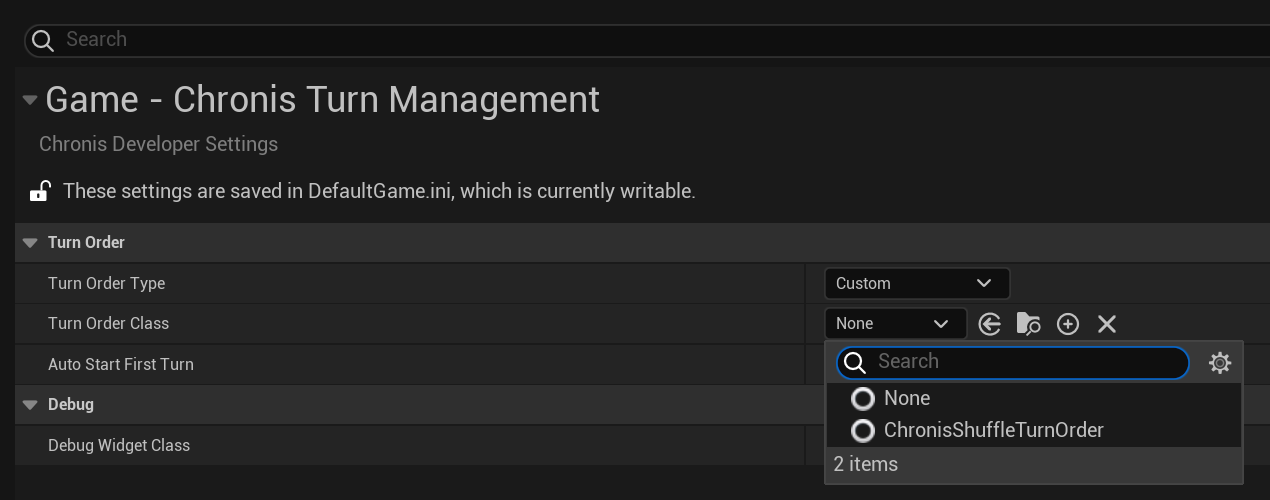
Now this is an interesting one. When you set the Turn Order Type to custom in Chronis Settings, it will make a new field available for you to set a TurnOrderStrategy class. Follow the Steps below to implement an example of it.
The exampel shows the details using a random/shuffle turn order as an example..
Making a Blueprint of type Chronis Turn Order Strategy.
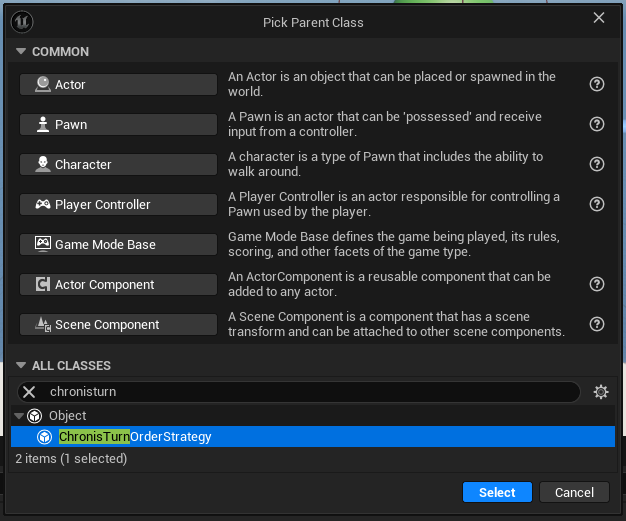
In your content-browser, right-click then Create Basic Asset -> Blueprint Class. In the wizard, type "ChronisTurnOrderStrategy" in the search bar and it should come up. Select it, name it whatever you want and then open it up.
Overriding the function.
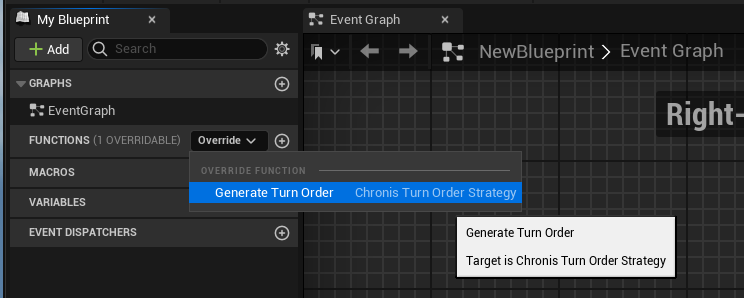
On the Functions Section on the left-hand side, there should be a little drop down that says "Override." It should have GenerateTurnOrder() as an option. Select that and double click to open the graph. Arrange the nodes as the screenshot below.
Assigning the value in settings.
Now go to Project->Chronis Turn Management. Set the Turn Order Type to custom and select the class you just created. When you test now, each time the turn order will be random.