Debugging
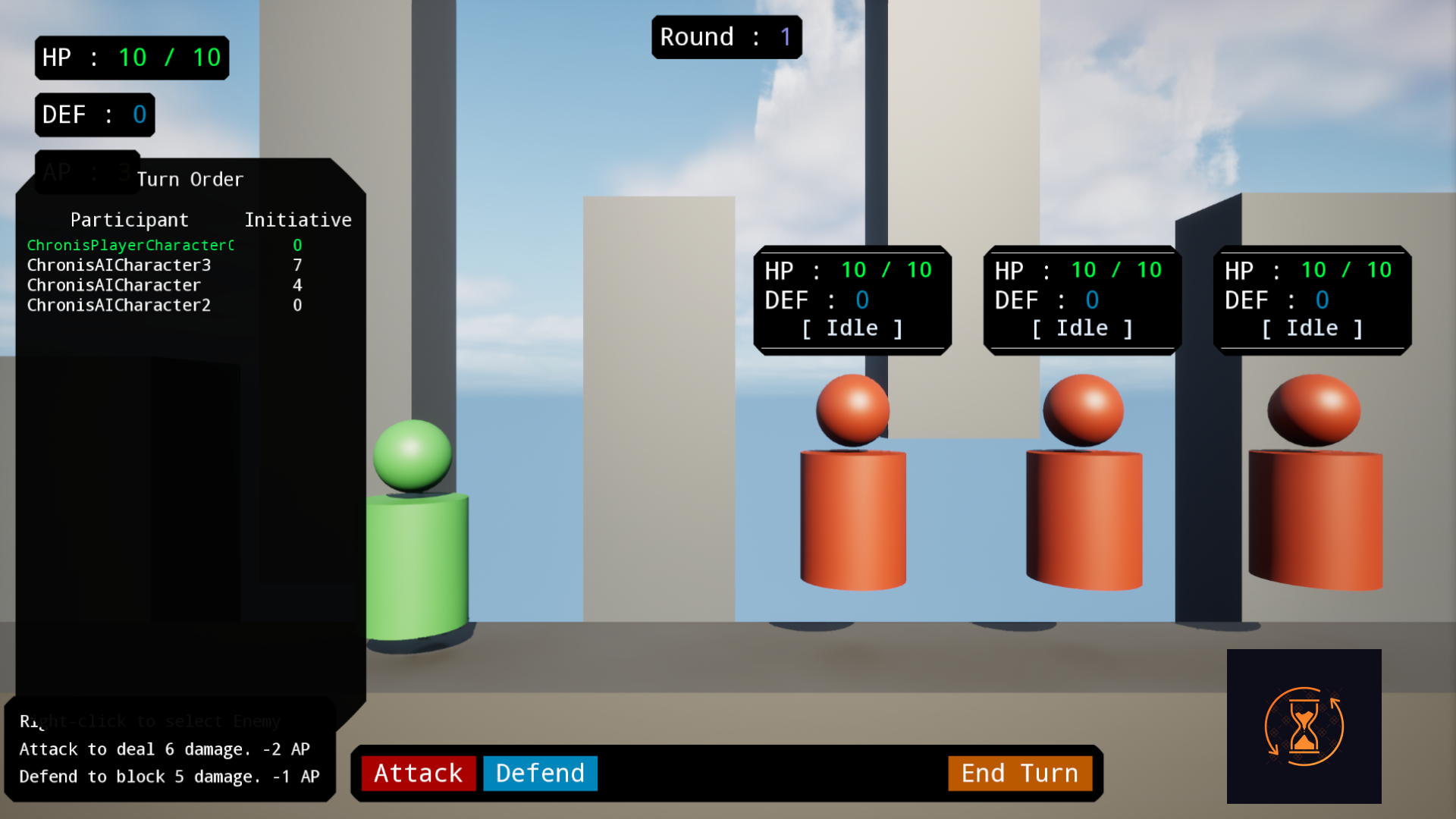
It is very important for a system like this to let you see the turn orders and the initiative values once they are selected. For this specific reason, Chronis comes with a very handy console command. It was implemented as an extension of the cheatmanager.
Open the Console while in PIE.
Hit (`) on your keyboard to bring up the console.
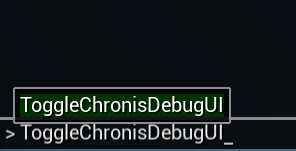
The command.
Type in ToggleChronisDebugUI and hit enter. You're done.
Reading the Debug UI.
A list should pop-up on the left-hand side of the screen showing a list of all the participants, it is ordered from the top to bottom in the order the turns should happen in. Included in the list on the right are the initiative values, if you use that type to sort the turns, you can use this to see how the higher ones are towards the top and the lower ones at the bottom.