GridCast Shape Types
There’s two shape types that are included with GridCast, there’s more on the roadmap of updates already!
Circle
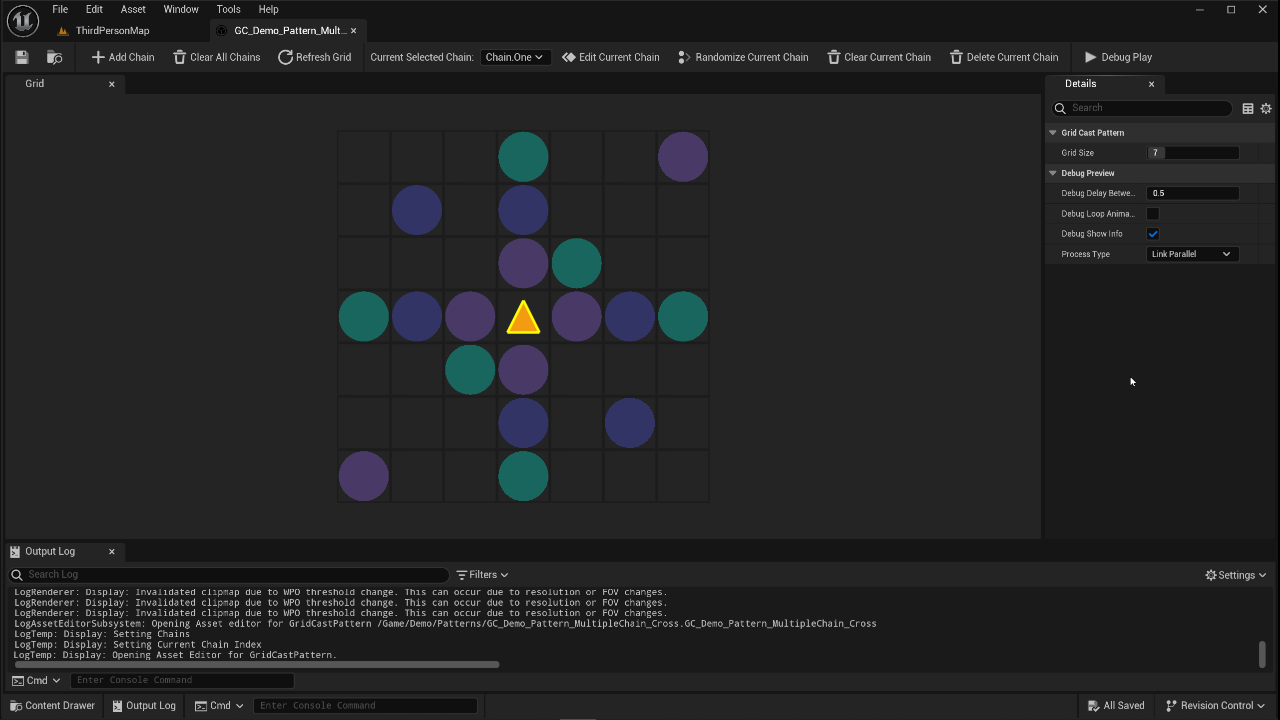
Circle is the simplest shape and it’s used to represent single point AOE like a location where lightening strikes down or a meteor falls, or a spike comes out of the ground. You get the idea. It is your generic standard “on the ground area of effect” type of thing which would be enough for most of your usecases.
When drawing on the grid, you simply have to click one to draw and click again to remove the circle from the grid.
Lines
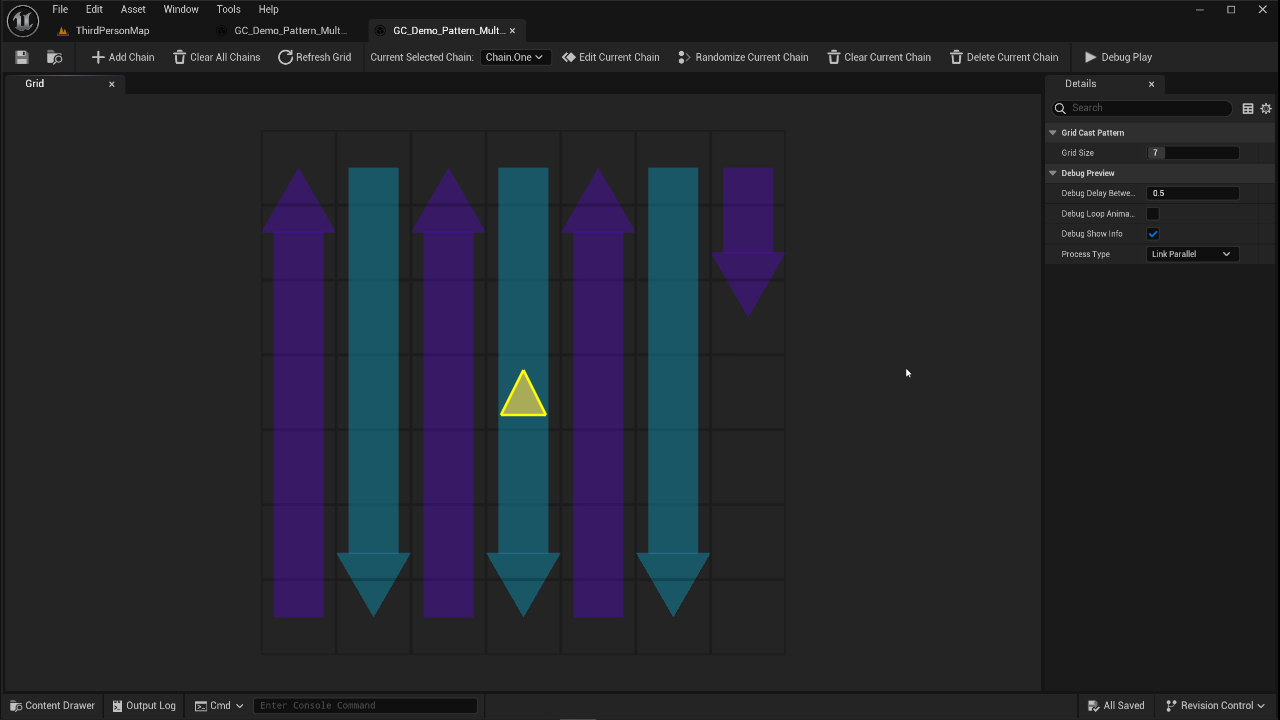
Lines are the second shape type avaialble in GridCast. It’s made up of two locations, LineStart and LineEnd. The use case for this was things like laser beams, projectiles, any kind of gameplay effects that travel on a straight path so they can be used for all kinds of things.
When drawing on the grid, first click selects a starting point and the next one will select the end point. To remove the Line, you have to repeat the process. It sounds tedious but different lines on the grid can either share a starting point or ending point.